
...
1) Determine IAM Role Status
Using the AWS Console, navigate to the EC2 Instance Summary page. You can do this by entering "EC2" in the search box at top of the console, and then selecting the ID for one of your instances. Once there, the IAM Role will be shown at the bottom left of the Instance Summary page. If IAM Role is blank, follow step 3) "Attach IAM Role" instructions to attach a custom role to your instance. If an IAM role is not yet created, proceed to step 2) "Create New IAM Role".
...
The new role will appear as the selected IAM Role on the Modify IAM Role page. Select the Update IAM Role link to modify the EC2 instance and select your new IAM role.
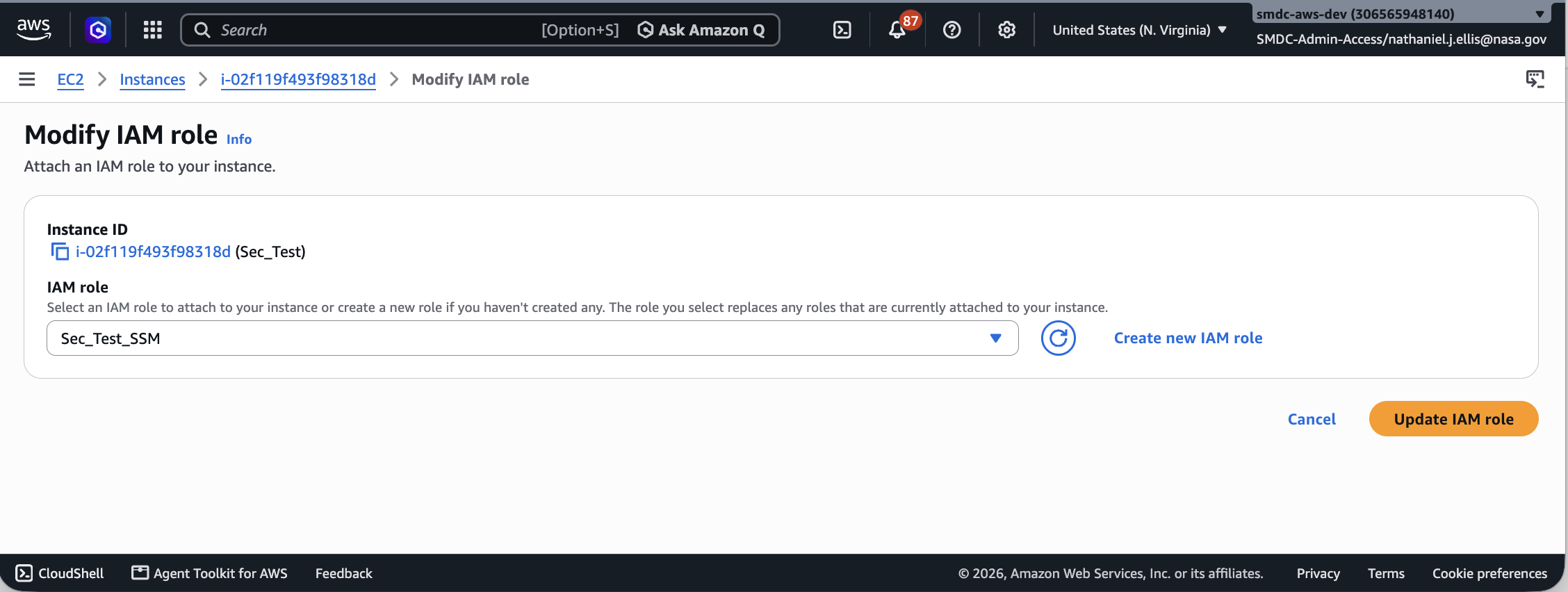
The EC2 Instance Details page will again appear with the new IAM Role shown as the selected IAM Role for the current instance.
...